Connect Airbnb to Travel404
Disconnect any other sync tool first, then authorize Channex from inside Travel404 — Airbnb refuses to run two channel managers on the same listing at once.
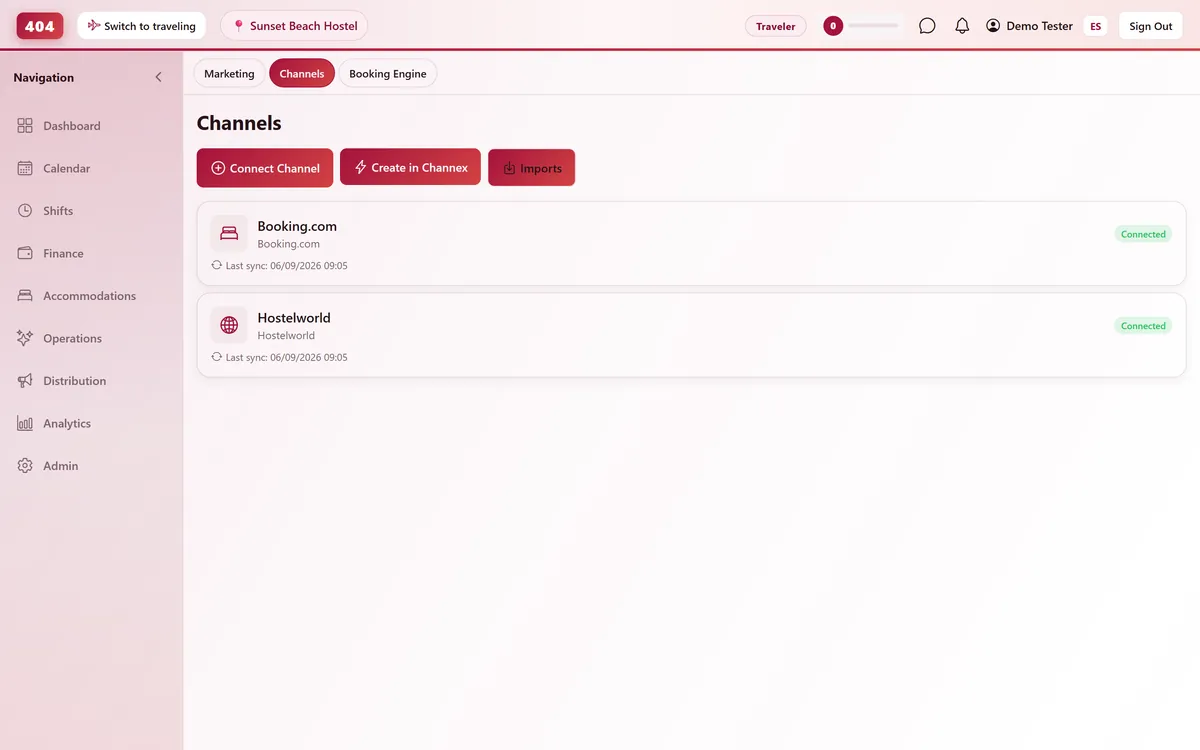
Airbnb connects to Travel404 through Channex, our channel manager. Setup includes a one-time login to Airbnb to authorize the connection, done right inside Travel404's Manage OTAs screen. Once authorized, availability and pricing push out automatically and reservations — including Instant Book — arrive on your calendar without you opening Airbnb.
Before you start
- An Airbnb host account for the listing, with login access
- No other channel manager, PMS, or iCal sync currently linked to that listing — Airbnb will not complete a second connection
- A paid plan — the Channels screen stays locked for the whole free trial, so connect once you are live
- A Channex connection already active in Travel404 — Property → Channels → Create in Channex, a one-time step per account
Steps
In Airbnb
Disconnect any existing sync
In your Airbnb host account, check Professional Hosting Tools / Multi-Calendar and disconnect any other channel manager, PMS, or iCal feed on this listing. Airbnb will not let a second connection complete while one is already live.
In Travel404
Open Property → Channels
Confirm your Channex channel shows status Connected. Create it first with "Create in Channex" if this is your first OTA.
Click "Manage OTAs"
On the Channex channel card, click "Manage OTAs (Booking.com / Airbnb / Hostelworld)" to open Channex's setup screen inside Travel404.
Create the Airbnb channel
Click Create, choose Airbnb, and give the connection a title.
Leave Min Stay Type on Arrival
Airbnb only accepts the "Arrival" type of minimum-stay restriction, so leave that option selected.
Click "Connect to Airbnb"
This opens Airbnb's own login screen in the same flow, without leaving Travel404.
Back in Airbnb
Log in and approve the connection
Confirm you're on the correct host account, then approve the connection request Channex sends.
In Travel404
Map each listing
In the Mapping tab, assign each Airbnb listing to one Travel404 accommodation and one rate plan — Airbnb takes only a single rate plan per listing, so if you price per guest, map your lowest-occupancy rate.
Save, then Activate
Press Save, then Activate from the Actions menu to start the live push.
How to tell it worked
Give it a few minutes, then check Imports in Travel404 — a real Airbnb reservation, including one made through Instant Book, lands there within about 5 minutes of the guest booking.
If something looks wrong
"Connect to Airbnb" keeps looping back to a login screen
Another channel manager, PMS, or the Airbnb app itself is still linked to this listing. Go back to Airbnb's Professional Hosting Tools and disconnect it before trying again.
Pricing on Airbnb looks flat and ignores per-guest pricing
Airbnb only takes one rate plan per listing. If you charge per person, map the lowest-occupancy rate rather than an average — there is no way to send multiple occupancy tiers to a single Airbnb listing.
Availability on Airbnb won't update no matter what I try
Check Airbnb's own calendar settings for "Unavailable by Default" — that setting conflicts with a Channex-managed calendar. Turn it off.
A booking imported but the guest's Airbnb messages didn't come through
Guest messaging syncs through a separate Channex "Messages" app, registered automatically when you connect. Give it a minute after your first booking before assuming it failed.
Common questions
Can I connect two Airbnb listings to the same Travel404 room?
No — this flow maps one Airbnb listing to one Travel404 accommodation type.
Does this handle Airbnb's Instant Book?
Yes. All OTA bookings arrive pre-confirmed on Travel404's side, so Instant Book reservations import exactly the same way as ones a guest requests and you'd normally approve.
I already use Airbnb's built-in iCal sync somewhere else — do I need to remove it?
Yes. A parallel iCal sync running alongside a live Channex connection is a common cause of double bookings — remove it before or during setup.
How fast do new Airbnb bookings show up in Travel404?
Typically within seconds, via webhook, with a 5-minute background sync as a backup.
See it running in your hostel
Set up in 30 minutes. No credit card required.