Connect Expedia to Travel404
Point Expedia at Channex from Partner Central, map your rooms in Travel404, and Expedia gets a full push of rates, availability and restrictions the moment you activate.
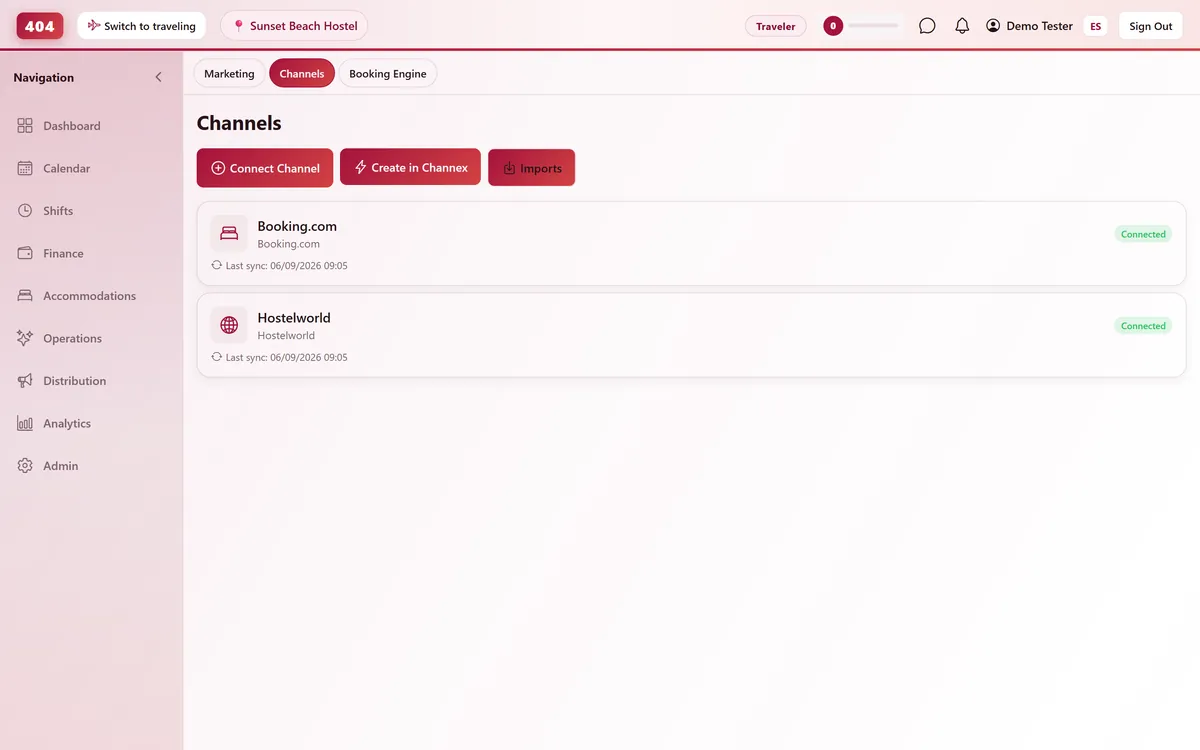
Expedia connects to Travel404 through Channex, our channel manager. Once mapped and activated, Travel404 pushes your rates, availability and restrictions to Expedia automatically, and new Expedia reservations arrive on your calendar without a manual pull.
Before you start
- Admin access to Expedia Partner Central, with two-factor authentication enabled (Expedia requires it to open Connectivity Settings)
- A paid plan — the Channels screen stays locked for the whole free trial, so connect once you are live
- A Channex connection already active in Travel404 — Property → Channels → Create in Channex, a one-time step per account
- Your rooms and rate plans already built in Travel404, since you will map each one to Expedia
Steps
In Expedia Partner Central
Find your Hotel ID
This is your Expedia property ID, shown in Partner Central. You will need it in Travel404.
Point Connectivity Settings at Channex
Go to Rooms and Rates → Connectivity Settings (Expedia requires 2-factor authentication to access this page) and set both the Connectivity and Bookings options to Channex.
In Travel404
Open Property → Channels
Confirm your Channex channel shows status Connected. Create it first with "Create in Channex" if this is your first OTA.
Click "Manage OTAs"
On the Channex channel card, click "Manage OTAs" to open Channex's setup screen inside Travel404.
Create the Expedia channel
Click Create, choose Expedia, enter a Title, the Hotel ID from Partner Central, and a Min Stay Type (typically Arrival). Click Test Connection and confirm it succeeds.
Choose the Booking Total Type
Pick Payout Amount, Total Amount, or Total Amount Excluding Taxes — this decides which figure lands on an imported reservation. Use Excluding Taxes for US properties that itemize tax separately.
Map every room and rate
Match each Expedia room and rate on the left to the correct Travel404 accommodation on the right. Leave nothing unmapped.
Save, then Activate
Press Save, then open the Actions menu and choose Activate — this triggers the first full push of pricing, availability and restrictions.
How to tell it worked
Check the Sync Log on the Expedia channel card in Travel404 for the outbound push, and Imports for the first real booking — usually within about 5 minutes of it being made.
If something looks wrong
Connectivity Settings won't load in Partner Central
Expedia requires two-factor authentication on the account before this page is accessible — enable it under account security first.
Imported booking totals look off by the tax amount
The wrong Booking Total Type is selected. Switch to the one matching how Expedia reports amounts for your property's country — Total Amount Excluding Taxes if tax is itemized separately.
Rates on Expedia don't match what I set in Travel404
Confirm the channel was Activated, not just saved — a saved-but-inactive Expedia channel accepts mapping but never receives a push.
A rate plan won't show up to select in mapping
The plan isn't linked to that room type on the Expedia side yet — create it in Partner Central first, then map it in Travel404.
Common questions
Do I still edit rates or availability directly in Partner Central?
No. Once activated, Travel404 pushes ARI to Expedia on every change; editing rates directly in Partner Central just gets overwritten on the next push.
What's the actual difference between the three Booking Total Types?
They control which dollar figure lands on the imported reservation in Travel404: what you're paid out, the guest's full charge, or the guest's charge with tax broken out separately.
How long after activating does Expedia go live?
Test Connection confirms access immediately; the first full sync of rates and availability runs right after you click Activate.
How fast do Expedia bookings arrive in Travel404?
Via webhook, normally within seconds, backed by a 5-minute poll as a safety net.
See it running in your hostel
Set up in 30 minutes. No credit card required.