One group, one balance — or one per guest
Book a group across multiple rooms and see one rolled-up folio for the whole group, or split it per guest automatically. Every member still checks in and out as their own reservation.
-
The Group Folio
The whole group’s balance in one place
A single rollup adds up charges, payments and balance across every reservation in the group, with a per-member row underneath showing booking reference, room and payment status.
- One rollup for the whole group
- Per-member charges and balance
- Payment status per guest
- Room shown per member
-
Bill It However the Group Wants
Three ways to split the cost
Set the billing mode once per group and every folio in it follows the same rule.
-
Single payer
One person covers the whole group’s balance from a single folio.
-
Split per guest
Each member gets their own folio and pays their own share.
-
Shared room split
A shared room’s cost divides evenly across the guests booked into it.
-
-
Every Member Is Still a Real Booking
The group view sits on top, not instead
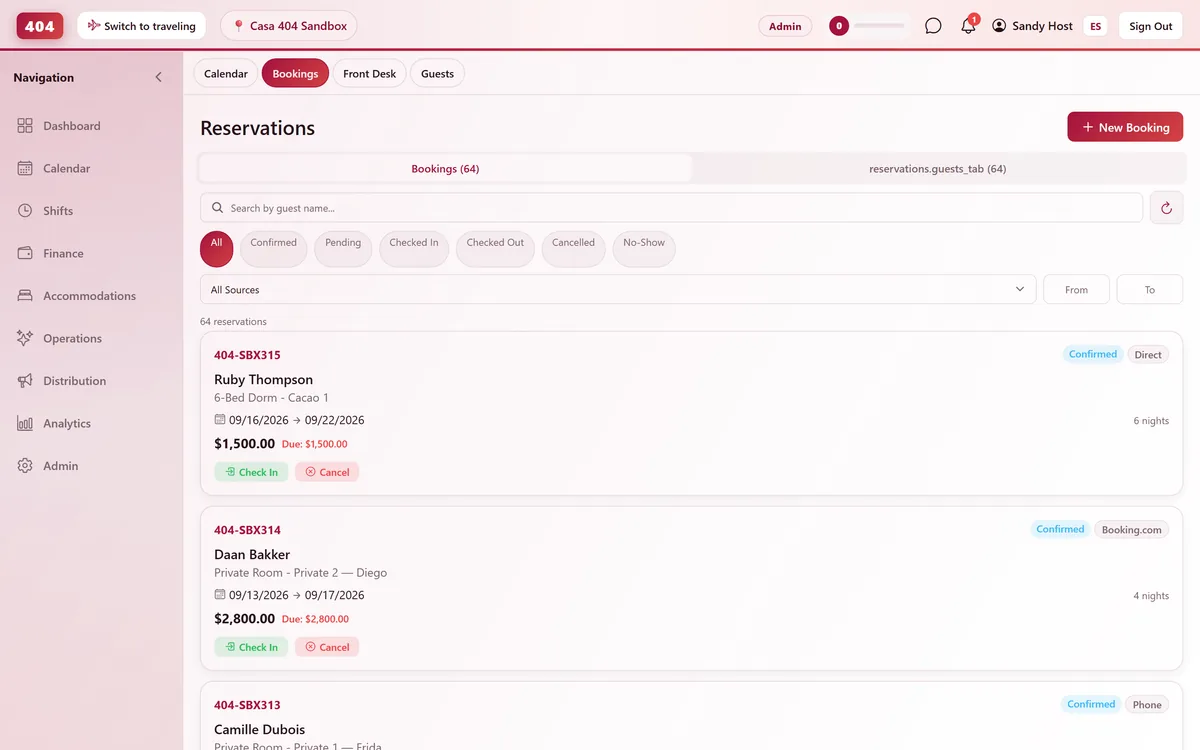
Each guest in the group keeps a full reservation of their own, with a booking reference, room and folio, so the front desk still checks people in and out one at a time.
- Own folio per group member
- Check in and out individually
- Booking reference per member
- Group view one tap away
Common questions
Can I bill one person for the whole group?
Yes — single payer mode puts the entire group balance on one folio.
What if the guests in a group want to pay separately?
Split per guest gives every member their own folio and their own balance to settle.
What about a shared dorm room booked as a group?
Shared room split divides that room’s cost evenly across the guests staying in it.
Do group members still check in and out individually?
Yes. Each member is a full reservation with its own booking reference, room and folio — the group folio is a rollup on top of those, not a replacement.
See it running in your hostel
Set up in 30 minutes. No credit card required.