Reach the guest Booking.com won't let you email
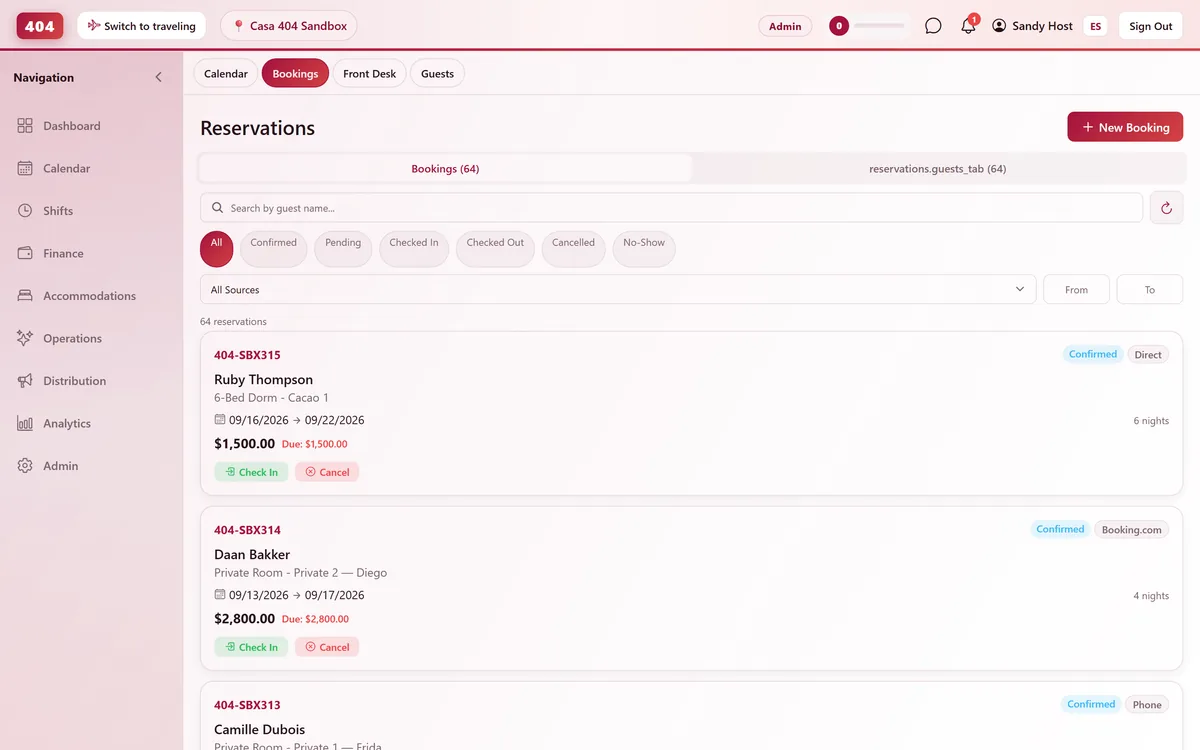
Booking.com masks guest emails, and some channel bookings arrive with no email at all. Send straight into the OTA's own guest chat instead — it lands as a push notification on their phone.
-
Native Channel Chat
Message the guest inside Booking.com itself
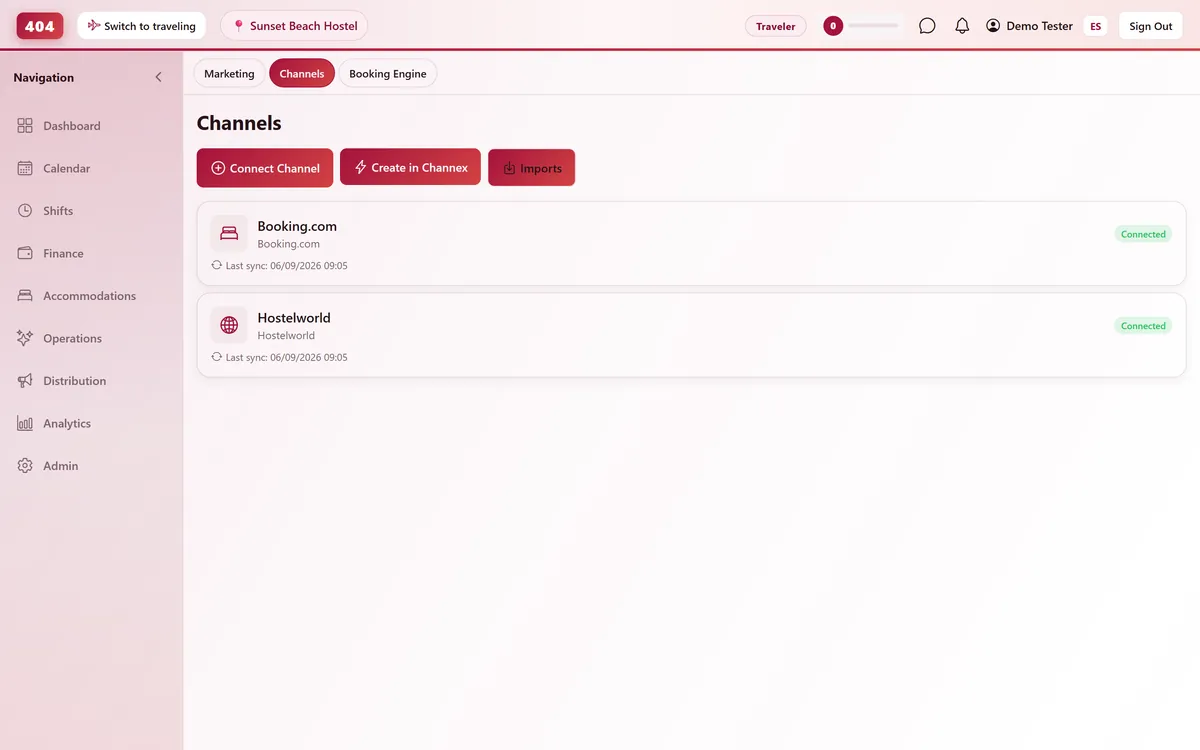
Open the booking and type — Travel404 posts your message directly into the OTA's own guest chat through Channex. No reply-to address, no extranet whitelist, no bounce.
- Booking.com, Airbnb, Expedia, Google
- No email address needed at all
- Lands as a push notification
- Logged in the booking history
-
Why Email Fails on OTAs
Extranets block the sender, not just the guest
Booking.com only delivers messages from senders it has approved in the extranet, and it hands out a masked @guest.booking.com alias — not a real inbox. Native chat has neither problem.
-
Masked emails
Booking.com issues a @guest.booking.com alias that most property mail servers never reach.
-
No email at all
Some channel bookings arrive with no guest email on them — chat still gets through.
-
One thread, one history
Every chat message logs next to the booking's emails, not lost in a separate inbox.
-
Same connection
It rides the same Channex link that already syncs your calendar and rates.
-
-
Same Channex Connection
Nothing new to set up or authorize
If the channel is already connected for availability and rates, guest chat rides along automatically — there's no separate app to install or permission to grant.
- Same Channex link as your calendar
- No extra OAuth or app install
- Works the moment a booking imports
- 4,000-character messages
Common questions
Which channels support native chat?
Booking.com, Airbnb, Expedia and Google today — any Channex connection whose OTA exposes a native guest-messaging endpoint.
Do I need to set up a separate integration for chat?
No. It uses the exact same Channex connection you already set up to sync availability and rates.
Where do sent messages show up afterward?
In the booking's History log, with the time and who sent it — the same place every other change to that booking is recorded.
What happens if the OTA doesn't support chat for that booking?
Travel404 tells you up front instead of failing silently, so you know to fall back to email or another channel.
See it running in your hostel
Set up in 30 minutes. No credit card required.